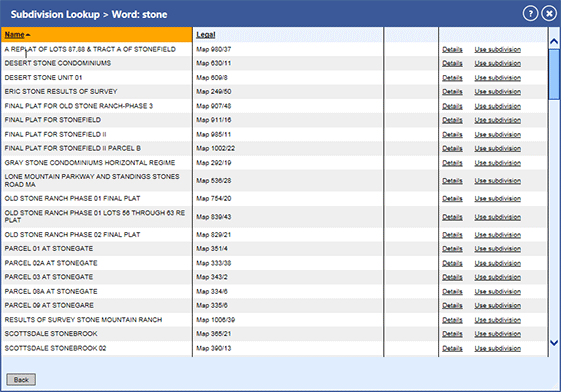
Subdivision Lookup Pick List Window
The Subdivision Lookup Pick List window displays after Looking Up a Subdivision, allowing you to review different subdivisions' information and run subsequent searches. Clicking:
Name or Legal in the column header sorts your results by the clicked value.
Details displays the subdivision information and the properties located in the subdivision.
Use subdivision auto-populates the major legal portion of the subdivision in the Legal Description search fields on the Combination and Property Search pages, so you need only type the minor legal portions to search.
Back returns you to the Subdivision Lookup Window.