Property Search Results Screen
How Property Search results display depends on the county in which it is searched. Below are links to two examples. Click image portions to review further information about those items.
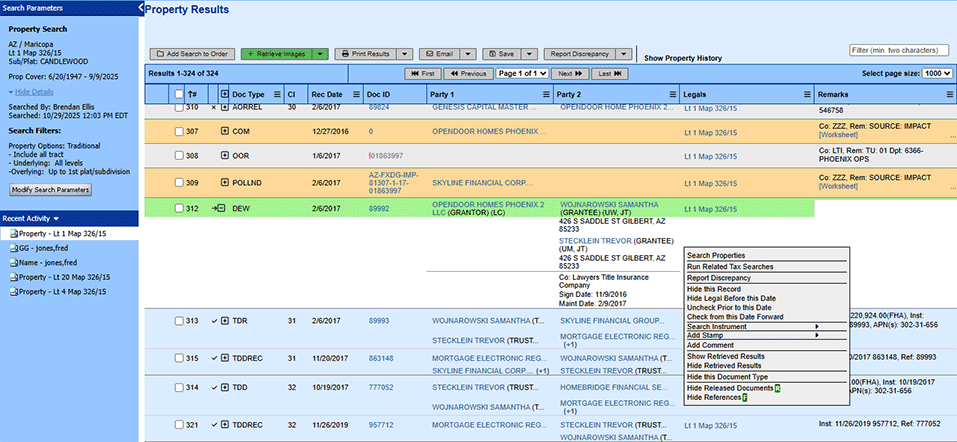
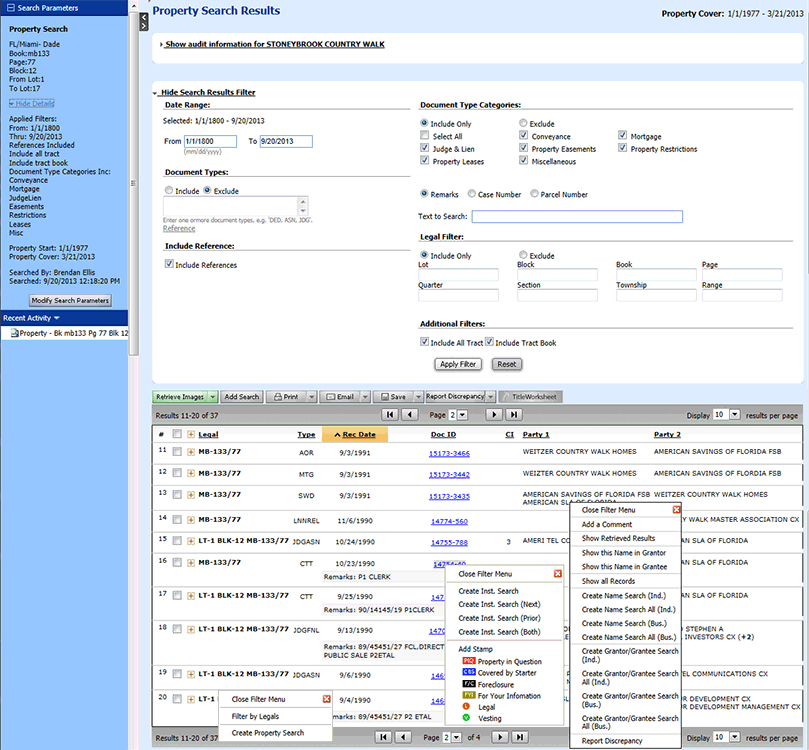
Note that different functions are available depending on whether you ran a search as an order, or simply as a Non-Order Search, and whether (in TP Counties) you chose to display the results in a condensed or expanded format.
Related Topics