Using Document Info Tab Functions
The Document Info Tab contains information about each document in your order or non-order search. You can optionally update the document information and export it into a format that you can then use for your reports. To:
-
Jump to the first page of each document in your order or non-order search, click
 or
or  .
. -
Update Document Information:
-
Select any field to modify text.
-
For some fields you can click
 to display a More InfoMore Info text box into which you can type additional text.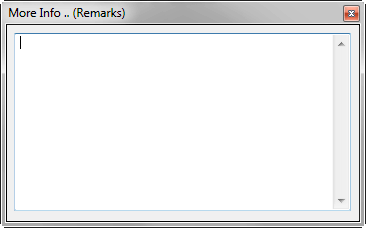
-
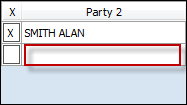
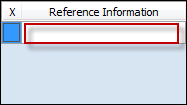
Add a new party name or reference information by typing into the next available blank fieldnext available blank field. When you type into a new field, a new blank field displays for you to continue adding additional party names or references.
-
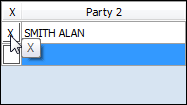
Delete a party name or reference information by clicking XX next to the field you want to delete.
-
Save Document Information, click Save (
 ).
).
Related Topics