Adding Comments to Postings
To add a comment to a posting:
-
Right-click a posting and select Add a Comment.
-
Type your comment into the comment text boxcomment text box and click Add to add it to the posting. The posting will display
 next to the document ID.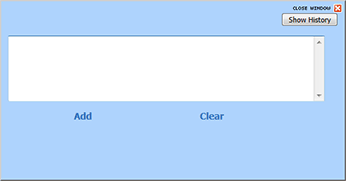
Note the following:
-
You can add multiple comments to each posting by performing the steps above.
-
Comments will also display in duplicate records in a different search result in the same order.
-
To remove a comment:
-
Display the comment text box by right-clicking a posting.
-
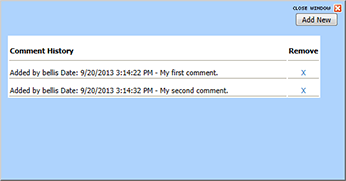
Click Show HistoryShow History.
-
Click X next to comment to remove.