Using Special Characters
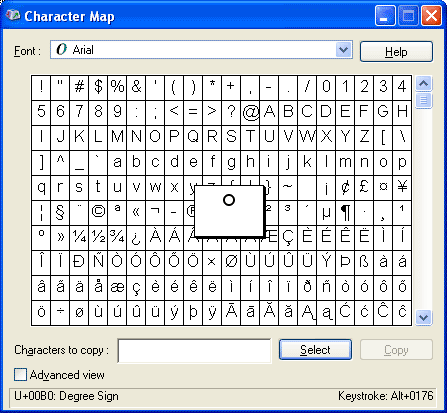
When Converting Document Portions into Text, you might need to use a special character in your text, such as a trademark (™) or degree (°) symbol. To see all the characters you can use for a particular font:
-
Click Start and choose Programs, Accessories, System Tools, and click Character Map to display the Character MapCharacter Map.
-
Copy (Ctrl+C) and paste (Ctrl+V) the characters you need from Character Map into your document.
--OR--
Type the keystroke value (shown in the bottom right of the Character Map window) into the iView text box.
Related Topics