Adding Tax Notes to Full Tax Searches from Summary Tax Results
You can simultaneously request a Full Tax search and type notes when requesting a Full Tax from summary tax searches in your order.
To add a Tax Notes to full tax search results:
-
From the summary tax result, click the Full Tax button.
-
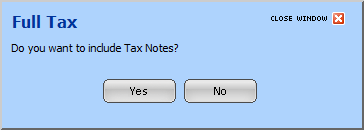
Click Yes on the messagemessage asking if you want to include Tax Notes. Each tax number you chose on the Order Home Page displays for you to type relevant notes.
-
Optionally click
 for the Affects drop-down list to choose one of the below canned text options. Choosing --Blank-- does not print any canned text, but still allows you to type additional notes into the Note field, if necessary.
-
Part of PIQ and no other property
-
All of PIQ and other property
-
Part of PIQ and other property
-
Optionally type notes for tax numbers in Note. Up to 100 characters can be typed.
-
Click Continue to save your notes and run search.
Note: Tax Notes are only available in Cook, IL.
Related Topics