Printing with Options
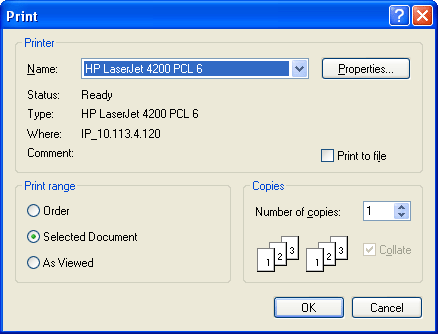
To print with options, click File and choose Print with Options to display the Print with OptionsPrint with Options screen. From this screen you can choose the following print ranges:
-
Order, to print all of the images in the order.
-
Select Document, to print the document that is chosen in the Order Tab pane.
-
As Viewed, to print the page you are viewing.
Related Topics