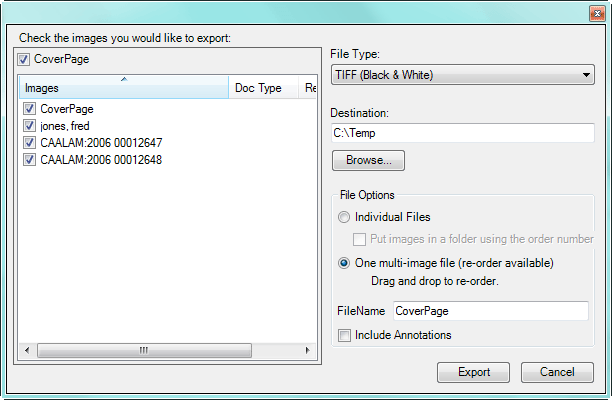
Export with Options Screen
Below is an Export with Options screen example. Click on portions of the screen to review further information about how to use those screen portions.
Note: The Export with Options screen displays some of the same functions that are represented in the Preferences Screen. While the Preferences establishes the default options to use, you can change the export options on-the-fly.