E-Mailing with Options
To e-mail order images:
-
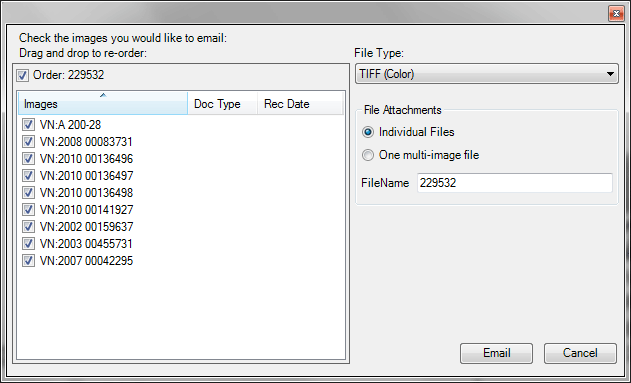
Click File and choose E-mail with Options. Your operating system's E-mail with Options windowE-mail with Options window displays, allowing you to choose specific files to e-mail. See Export with Options Fields and Controls for details.
-
Click Email to display an e-mail message window with your attached, chosen image(s).
-
Type the appropriate e-mail addresses in To, Cc, and Bcc, as well as your Subject and e-mail message.
-
Click Send Email to send your e-mail to the appropriate recipients.
Related Topics